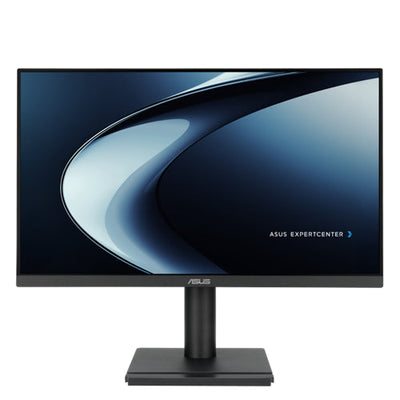

LG 43UH5Q Digital signage flat panel 109.2 cm (43") LCD Wi-Fi 500 cd/m² 4K Ultra HD Black WebOS (43UH5Q-E)
$1,366.11incl. GST
Ships in 1–3 business days
Computer monitors, commercial and interactive displays, digital signage, monitor arms and TV mounts, sit-stand desk converters, ergonomic office chairs and desk cable management.
Computer monitors, commercial and interactive displays, digital signage and the mounts and furniture around them: monitor arms, TV ceiling mounts, sit-stand desk converters, ergonomic office chairs and under-desk cable trays.
Check that your monitor has VESA mounting holes (75 × 75 or 100 × 100 mm) and is within the arm's size and weight range.
A commercial display built to run long hours, often with built-in software to play content for shops and offices.
The top of the screen should be at or a little below eye level, about an arm's length away.
Brands in Lighting
Brands in Body Panels & Parts
Brands in Motorcycle